10 Tech Tools That Make Independent Living Easier After 50

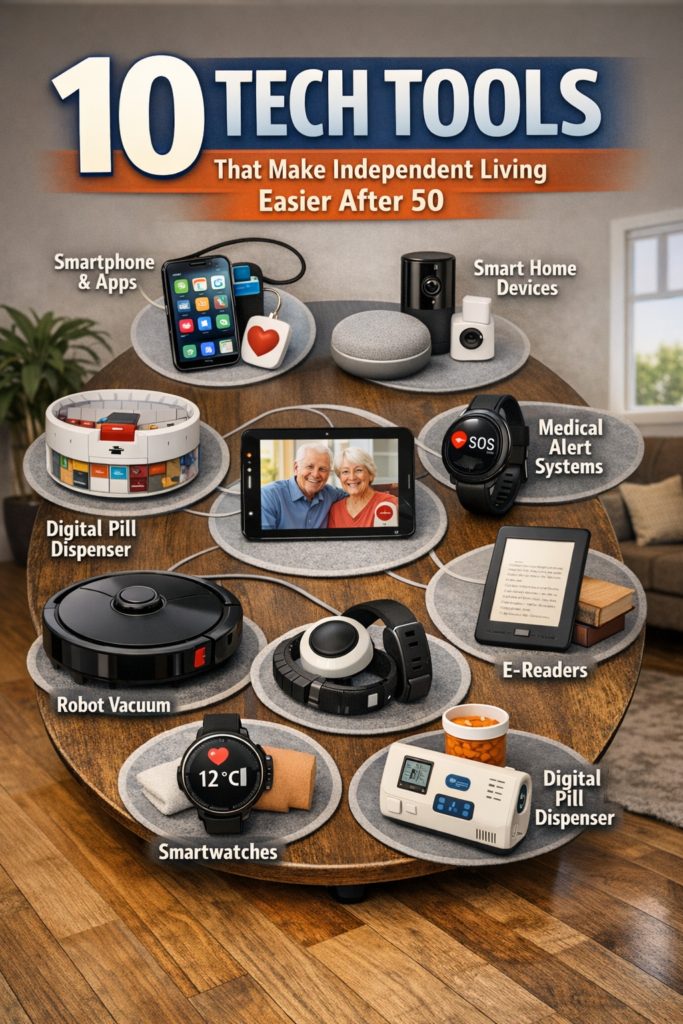
Achieve independent living and freedom after 50 with these 10 essential tech tools. Take control of your lifestyle with simple, smart solutions.
Nearly 38.5 million people in the U.S. live alone today, and many of them are choosing independent living on their own terms with the help of innovative tech. Our mission with 50PlusTechBridge is to show how phones, tablets, and simple devices can reduce your dependence on others while keeping you safe, connected, and in control.
Key Takeaways
| Question | Short Answer |
|---|---|
| What is independent living after 50? | It is living the way you want, in the home you choose, with tech that helps you stay safe, manage health, and access services without giving up control. |
| How can a smartphone actually support independent living? | With reminders, telehealth, navigation, ride services, and fall detection features. We walk through 10 real-world uses. |
| Where should I start if tech makes me nervous? | Start with one or two simple skills on your phone, like video calls or medication reminders. Our step-by-step approach in The AgeTech Guide: Technology for Aging Well is built for that. |
| Does tech for independent living replace family support? | No, it builds a safety net around your life so your family can support you without constant worry. |
| Where can I explore more AgeTech options? | Browse our curated AgeTech archives for ideas that fit your lifestyle and budget. |
| How does tech help with health and wellness at home? | From virtual visits to health tracking apps, tech lets you manage more from home. |
1. What Independent Living Really Means In A Digital World
Independent living is not about doing everything alone; it is about having the tools, support, and confidence to shape your own days. For the 50PlusTechBridge community, that means using technology to reduce friction, not to complicate life.
We define independent living as three things working together: safety, access, and choice. You stay in control of decisions, while smart tools quietly handle reminders, monitoring, and communication in the background.
AgeTech: From Buzzword To Everyday Helper
AgeTech is simply technology designed or adapted to support life after 50. It includes phones, tablets, health devices, smart home tools, and AI assistants that understand your routines.
Our work is to strip out the jargon and show you what actually works in real homes. If a tool does not support your daily life, protect your time, or respect your boundaries, we are not interested in it.

2. Using Your Smartphone As A Daily Independence Tool
Your phone can be the single most powerful device for independent living if it is set up around your life. You do not need a drawer full of gadgets when one screen can help you move, remember, and connect.
We see phones as hubs of personal independence for the 50PlusTechBridge community. With the right setup, you can reduce last-minute scrambles, missed appointments, and reliance on others for small tasks.
10 Everyday Phone Skills That Cut Dependence
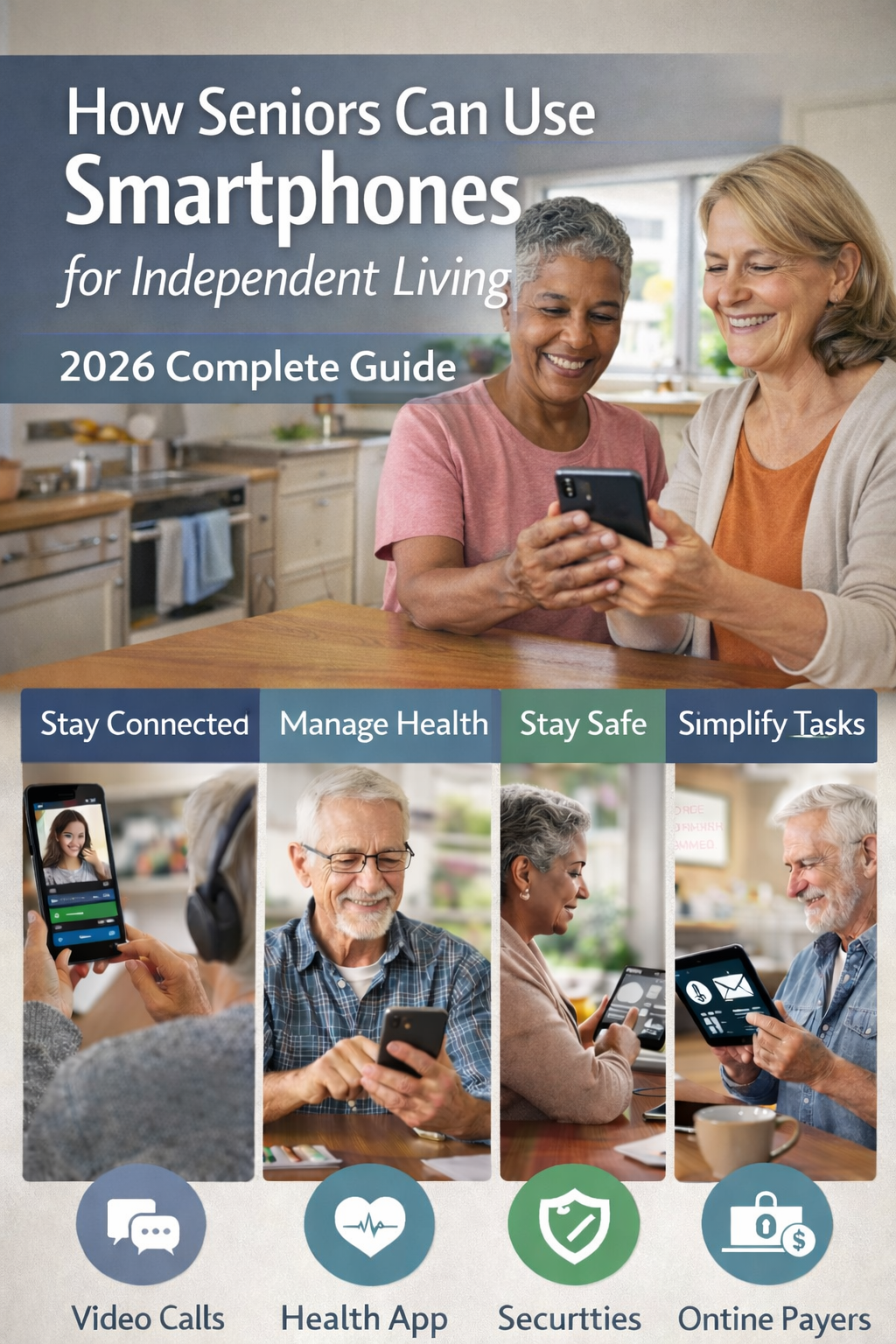
In our course, we highlight practical skills such as video calls with family, digital calendar reminders, and ride-hailing apps for safe transportation. We also cover fall detection, prescription refill apps, and secure online banking.
Every one of these skills can replace a “Can you help me with this?” phone call with an
“I have this handled” moment. That shift builds confidence, not just convenience.“

3. Tablets And Bigger Screens: Independent Living For Visual Comfort
For many adults in the 50PlusTechBridge community, tablets are the sweet spot. They give you a bigger screen, easier reading, and clearer video without the bulk of a laptop.
Tablets are especially helpful if small text or tiny buttons cause strain or frustration. A tablet can bring entertainment, education, and communication into one easy-to-see space.
How Tablets Support Everyday Control
With a tablet, you can join telehealth visits, manage finances, practice hobbies, or attend online classes from your couch or kitchen table. Paired with a stand and a simple keyboard, it becomes your independent living control center.
We teach simple tablet setups in our AgeTech workshops. Our approach is always task-first, not tech-first, so you start with what you want to do, then match the right setting or app to support it.

4. Telehealth And Remote Care: Bringing The Doctor To Your Living Room
Access to health care is one of the biggest stressors for independent living, especially if driving or transportation is a challenge. Telehealth turns your phone or tablet into a front door for care that comes to you.
Today, many clinics, specialists, and mental health professionals offer secure video visits. You can manage follow-ups, renew prescriptions, and ask questions without arranging a ride or sitting in a waiting room.
Practical Ways Telehealth Supports Independence
Here is how we see our community using telehealth for more control and less dependence on others:
- Routine follow-ups are done by video, so you avoid extra travel.
- Caregivers or family members can join appointments from another location if you choose.
- Secure portals to message your doctor, check lab results, and manage refills.
With a bit of setup help, telehealth becomes just another call on your device. You stay in charge of who joins, what is discussed, and how much support you need to feel prepared.
Did You Know?
The share of households headed by people age 65 and older was over 25% in 2024, meaning more than 1 in 4 households are managing later-life independence and health decisions at home.
5. Safety, Fall Detection, And Peace Of Mind Without Hovering
One of the most common worries we hear is, “What if I fall and no one is there?” Independent living is not just about convenience; it is also about designing a safety net so you and your family can relax.
Modern phones, watches, and smart sensors can detect unusual motion, inactivity, or a sudden impact. Many can automatically contact a trusted person or emergency services if you do not respond.
Safety Features That Respect Your Boundaries
The goal is not to be watched constantly. The goal is to create clear backup plans for when you actually need help.
- Phone and watch fall detection that only alerts when a fall is detected.
- Location sharing that you can pause, limit, or share only with selected people.
- Smart home sensors for doors or lights that quietly log activity in case the family needs to check in.
We always encourage written “tech boundaries” with family. Everyone should know what is monitored, who gets alerts, and how to respect your privacy while still caring about your safety.
6. Smart Home Basics: Lights, Doors, And Routines That Work For You
You do not need a “smart home” in the fancy magazine sense to live independently. You need a few smart helpers that match your real routines.
For many 50PlusTechBridge members, this looks like bright lights you can turn on by voice, video doorbells, or simple plugs that put devices on a schedule.
Simple Smart Home Wins For Independent Living
Here are practical ways smart home tools cut dependence without taking over your house:
- Voice-controlled lights that reduce trips in the dark.
- Smart locks that let you grant temporary access to helpers or family.
- Routines like “Goodnight” that turn off lights and check doors.
We always start with your pain points. If evenings are stressful, we focus there. If mornings feel rushed, we design a different routine.
7. Social Connection: Fighting Loneliness With Tech That Feels Human
Independent living does not mean living in isolation. In fact, one of the biggest risks to health after 50 is loneliness, not just physical challenges.
Technology can make connections easier, but only if it feels natural and human. Long passwords and complicated apps are not the goal; simple habits are.
Human-Centered Connection Tools
We teach our community practical ways to stay socially active with tech:
- Weekly video coffee chats with family or friends.
- Interest-based groups and forums where you can share skills and stories.
- Messaging apps that support voice notes for people tired of typing on glass.
When you know how to start a call, join a group, or send a photo on your own, you rely less on others to organize your social life. That keeps your world larger and your days more satisfying.

Did You Know?
In 2022, 27% of women aged 65–74 and 43% of those aged 75+ lived alone, which shows how common solo living is and how essential social connection tools are for independent living.
8. AI And Voice Assistants: Everyday Co-Pilots For Independent Living
AI is not just a buzzword on the news. In real life, it shows up as voice assistants that understand your requests, smart reminders that adjust to your habits, and tools that simplify complex tasks.
For independent living, we see AI as a quiet co-pilot. It does not replace your judgment; it reduces the mental load of remembering every single detail.
Real-Life AI Uses After 50
Here are practical examples we teach in our AI and AgeTech sessions:
- Voice assistants that read your calendar, set timers, or call a contact by name.
- Smart suggestions for leaving early for your appointment when traffic is heavy.
- Auto-generated captions on video calls if hearing every word is tough.
Used wisely, AI can help you manage more tasks yourself and lean on others less for routine reminders or information. The key is to start small and choose features that feel comfortable.
9. Money, Services, And Everyday Errands From Your Couch
Independent living is also about practical control over money and errands. You should not have to wait for someone to drive you to pay a bill or order essentials.
Using secure apps and websites, you can manage banking, order groceries, schedule rides, and monitor subscriptions directly from your phone or tablet.
Reducing Dependence For Everyday Tasks
We help our community build a simple digital errands list that might include:
- Online bill pay for utilities and services.
- Grocery delivery or pickup apps with saved lists.
- Ride services for medical visits or social events.
Handled right, this gives you more privacy and control over your finances and schedule. It also eases pressure on the family, who may not always be available during business hours.

10. Building Your Personal Independent Living Tech Plan
Every adult in the 50PlusTechBridge community has a different story, health profile, and family situation. That is why a one-size-fits-all tech list never works.
Instead, we encourage you to build a short, honest, independent living tech plan. It should fit your energy, your budget, and your comfort with learning new tools.
Simple 4-Step Independent Living Plan
- List your top 5 daily challenges. For example, remembering appointments, managing medication, or feeling safe at night.
- Circle the ones that feel most urgent. Start with 1 or 2, not all 5.
- Match each to one tech skill or device—for instance, calendar alerts, telehealth setup, or voice-controlled lights.
- Practice that skill for 2 weeks. Ask questions, adjust settings, and then decide if it helps.
Independent living is a series of small decisions, not a single significant upgrade. With each skill you add, you depend less on others for routine tasks and more on your own capability.
Conclusion
Independent living after 50 is not a solo mission. It is a partnership between you, your community, your family, and the technology that quietly supports your daily choices.
As more adults live on their own and plan to age in place, smart tech becomes less of a luxury and more of a practical tool for dignity, safety, and freedom. Our commitment at 50PlusTechBridge is simple: we stand beside you as you learn, experiment, and design an independent life that respects your time, protects your family connections, and fits the way you want to live right now.
Live well and prosper: Thank you